Not all training fits the same template. Lifting is about sets, reps and weight. A run is just time and distance. Shadow-boxing needs neither — it needs someone calling out what to throw next. And sometimes you don't want to plan anything at all, you just want to start moving. Joti has a distinct way of handling each of these, so the app matches how you're actually training instead of forcing everything through one form. Here's what each one does and when to reach for it.
Standard workouts: Strength, Bodyweight, Cardio and Flexibility
This is the workout type most people use most of the time — built around sets, and for most categories, weight and reps. When you create one, you pick a category, and that choice does more than just label it:
- Strength & Bodyweight — logged with weight (or bodyweight) and reps, a fixed rest timer between sets, and Joti's plate calculator working out exactly what to load per side.
- Cardio — can rest based on your actual heart rate instead of a fixed clock, extending or holding rest until you've recovered to a target BPM rather than guessing a number up front.
- Flexibility — skips rest between sets entirely, since stretches don't need it.
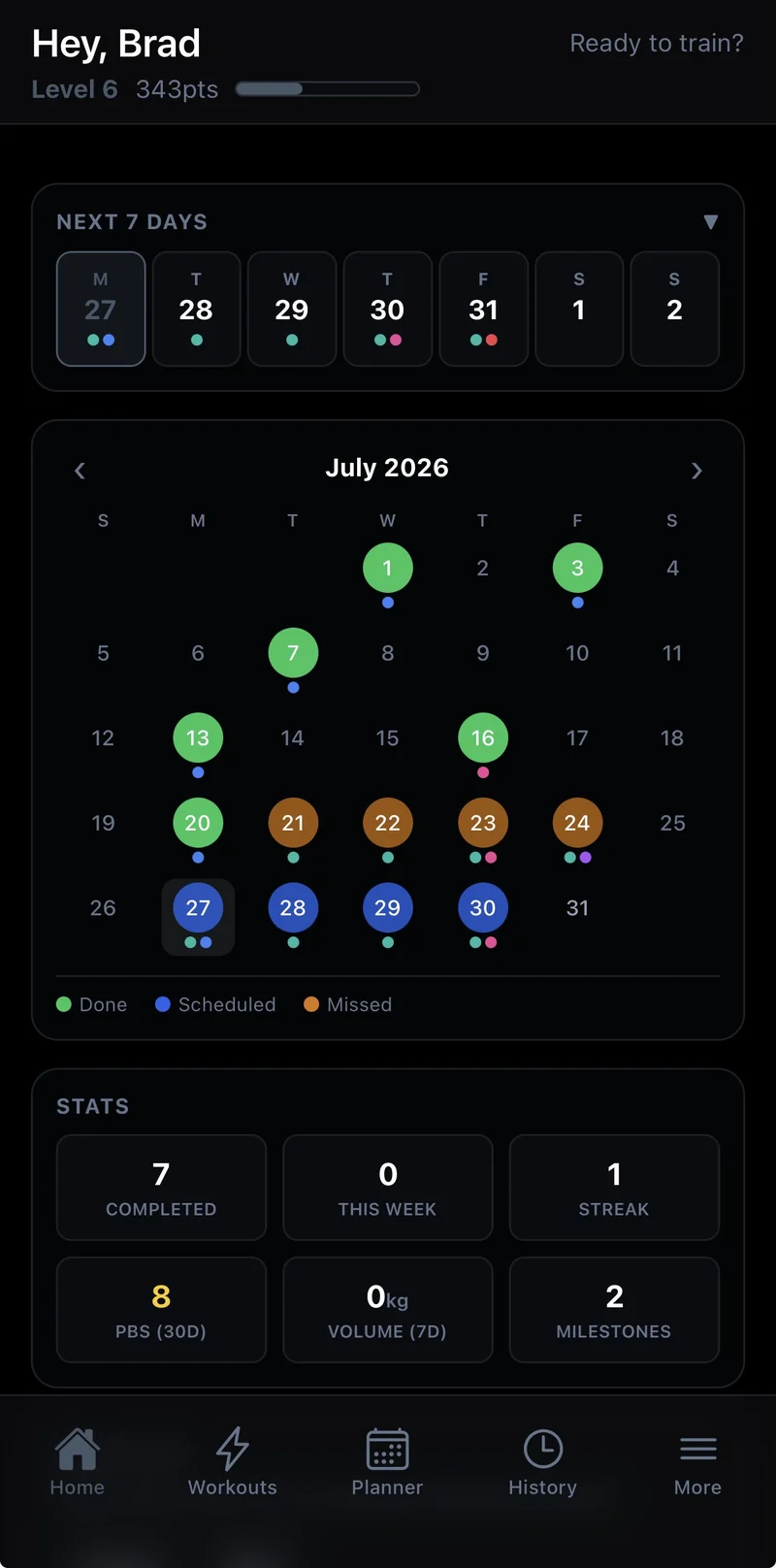
Every category still gets the same core tools: last time's numbers shown before you lift so every set has a target, automatic personal-best detection, supersets by chaining exercises back to back, and progression that raises your weight for you as you hit your targets. Each category also gets its own colour on your calendar, so a glance tells you what kind of session is coming up.
Guided Rounds: voice-guided round-based striking
For boxing, kickboxing, Muay Thai and traditional martial arts, Joti has a type built specifically for round-based training: Guided Rounds. Instead of sets, you get rounds and rest periods, with Joti calling out combinations live so you're reacting rather than running through a memorised routine — fully randomised, from a template, or fully custom, round by round. It's a genuinely different training mode, so it gets its own dedicated writeup if you want the full breakdown.
Ad-hoc: skip planning entirely and just train
Sometimes you don't want to build anything first — you just want to start lifting and figure out the workout as you go. Tap start an ad-hoc session and Joti drops you straight into a live session with nothing pre-built: add exercises, log sets, chain supersets, all on the fly, exactly like a normal session. The ad-hoc workout itself stays invisible everywhere else — it's not a workout you're choosing so much as training with the decision deferred. When you finish, Joti asks whether to save it: say yes and name it, and it becomes a real workout in your list from then on; say no and it's discarded completely, as if it never existed. Either way, the session itself is already logged in your history.
External Activity: for everything Joti doesn't have a built-in mode for
Joti isn't going to build a dedicated mode for every sport — so External Activity is the catch-all for whatever you do that isn't sets-based lifting, Guided Rounds, or an ad-hoc session: a run, a bike ride, a swim, a hike, a team sport, a class at the gym. Mark a workout as an External Activity and Joti tracks it as a duration (and distance, if you want to track it) against a single activity, no sets grid required. The point isn't a rich tracking experience for that activity — it's making sure it still lands on your calendar and in your history, so your fitness record isn't full of gaps every time you do something Joti doesn't natively track. Log it as an External Activity and your streak, calendar and history all treat it exactly like any other session.
Building a workout ahead of time: manual, template, or let AI do it
For the other types, where you plan before you train, you've got three ways to get there. Build it manually — pick a category, add exercises, set your sets, reps and rest. Start from a template, either one of Joti's or a copy of a workout you've already built, so a whole session comes together in a tap. Or skip the building entirely: describe what you want in plain English and let Joti's AI find or generate it for you, matched to your equipment.
Picking the right one
As a rule of thumb: if it's weighted or bodyweight work in sets, use Strength, Bodyweight, Cardio or Flexibility depending on what you're training. If it's anything else you do — running, riding, a class, a sport — that Joti doesn't have a dedicated mode for, use External Activity so it still counts toward your history. If you're shadow-boxing, working a bag, or drilling combinations, Guided Rounds is built for exactly that. And if you just want to start moving without deciding any of that first, ad-hoc has you covered. Mix and match freely — your calendar and history treat all of them as first-class sessions, so a lifting day, a run, a Guided Rounds session and an unplanned ad-hoc one all count the same toward your streak.
Frequently asked questions
What types of workouts does Joti support?
Standard sets-based workouts in a Strength, Bodyweight, Cardio or Flexibility category; External Activity workouts for anything measured in time or distance, like running or cycling; Guided Rounds, a voice-guided mode for round-based striking such as boxing, kickboxing, Muay Thai and traditional martial arts; and ad-hoc sessions for when you just want to start training with no plan at all.
What's the difference between a Strength and a Cardio workout in Joti?
Both log sets, but the category changes how rest works. Strength and Bodyweight use a fixed rest timer between sets, Cardio can rest based on your actual heart rate recovering to a target instead of a fixed clock, and Flexibility skips rest between sets entirely.
What is an External Activity workout for?
Anything measured in time or distance rather than sets and reps — a run, a bike ride, a swim, a hike. It tracks duration (and distance, if you want) against a single activity instead of a sets grid, and shows up in your calendar and history alongside every other workout type.
Can I build my own workout, or does Joti build one for me?
Both. Build one manually by picking a category and adding exercises, start from a template or a copy of a workout you already have, or describe what you want in plain English and let Joti's AI find or generate it for you.
Do I have to choose a workout type before I start training?
No — you can start an ad-hoc session and log exercises as you go with nothing pre-built. Joti asks whether to save it as a real workout once you're finished, or discard it as if it never happened.