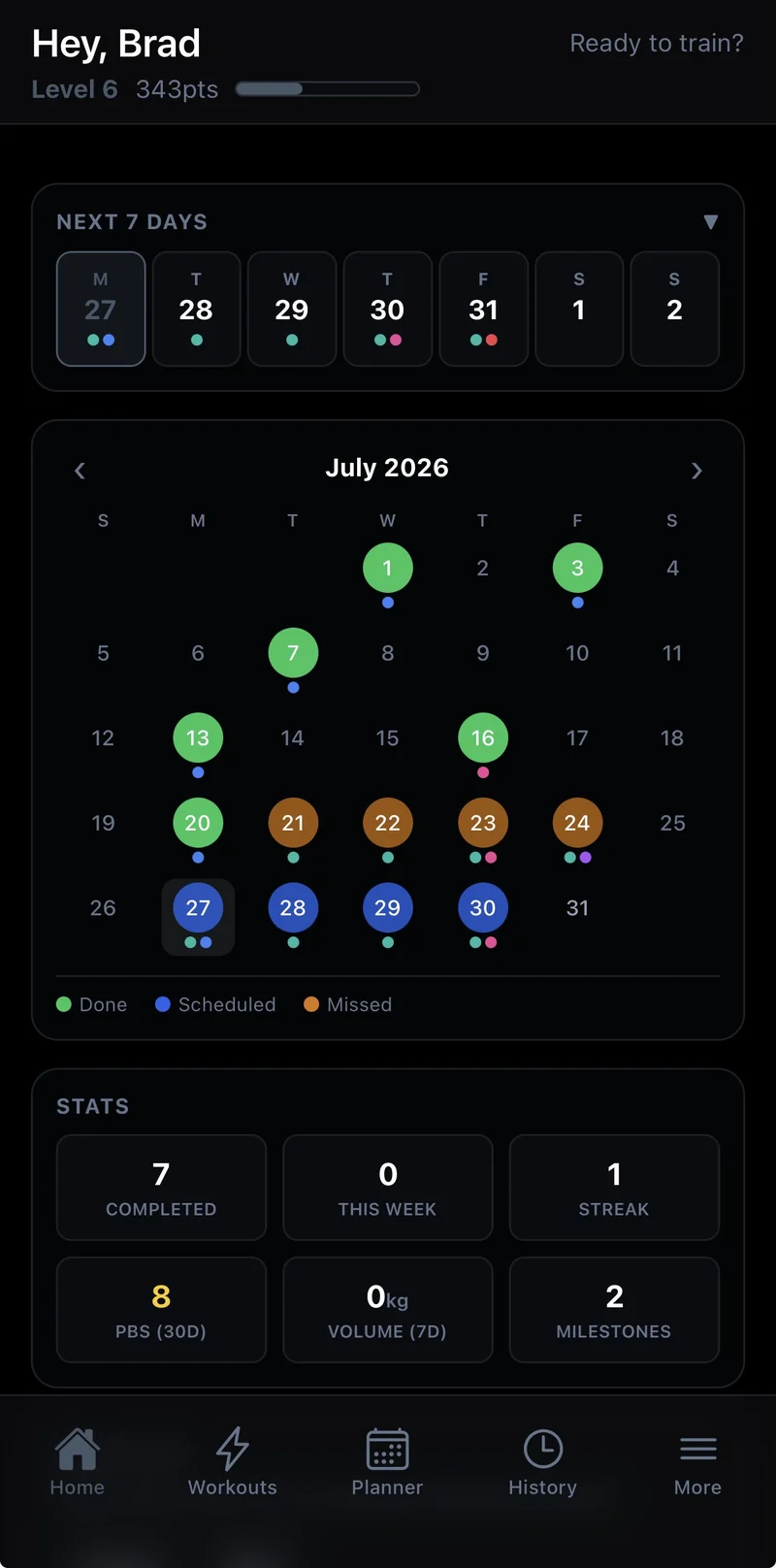
Joti's newest update focuses on the workout builder — swapping exercises on the fly, progression that follows you across workouts instead of resetting every time, and knowing exactly when you'll hit a goal instead of just watching the number move.
Swap an exercise, keep everything else
Equipment taken at the gym, an exercise not agreeing with you today, or just want to mix things up? Tap the swap icon on any exercise in your workout and Joti suggests variants that target the same muscles — pick one and it drops straight into that slot. Your set count, rest time, superset pairing and progression settings all carry over automatically, so swapping never means rebuilding the rest of the workout from scratch.
Auto progression that follows the exercise, not just the workout
Auto progression used to be configured per workout — the same exercise in two different programs meant setting it up twice. Now you can sync progression for an exercise across every workout it appears in, so a change in one place carries everywhere it's used. Setting up a new program with the same lifts as an old one? A one-tap "Apply to all exercises in this workout" action seeds an entire session's progression from a single exercise, skipping anything already configured.
Know when you'll hit your goal
Set a body-weight or exercise goal and Joti now projects a completion date from your actual logged trend — right in the Weight Monitor on your dashboard, and under the exercise in your workout summary. It's an estimate, clearly labeled as one, and only shows once there's enough history to be directionally meaningful.
A cleaner workout builder
The workout creation and edit screens got decluttered — options and auto-progression summaries collapse down to a single line until you need to change them, and exercise cards start collapsed by default. There's also a dedicated Reorder mode: tap it and every card strips down to just its name and move arrows, so reordering a long exercise list doesn't mean scrolling past everything else in the way.
See your progress without leaving your session
Tap "Edit Workout" mid-session and you'll now see which exercises already have logged sets and which one you were on when you tapped it — the same status indicators used in the exercise picker, right on the edit screen. Joti also warns you before removing an exercise or set that's already been logged, so a quick edit mid-session can't accidentally erase what you've already done.
Smoother Cardio & Guided Rounds
A batch of fixes to timing and audio in Cardio and Guided Rounds sessions: round timers no longer start before the exercise call-out finishes, mid-session edits no longer restart a running interval from scratch, and call-outs and the rest bell are more reliable over Bluetooth.
Get it
Update to the latest version of Joti on iOS or Android, or refresh the web app, to get everything above.